Origami is a story-linked Steam achievement. Its official condition is concise: help a child out for free. The important action is the no-charge customer choice, not folding an item at the bench. When the relevant child customer scene offers a payment decision, choose to help for free and complete the interaction. The public Steam achievement description says exactly 'Help a child out for free.' Do not search the tool menu for paper, a crafting station, or an origami collectible; the name describes the story moment rather than a repair minigame.
Origami unlock answer
When the relevant child customer scene offers a payment decision, choose to help for free and complete the interaction. The public Steam achievement description says exactly 'Help a child out for free.' Do not search the tool menu for paper, a crafting station, or an origami collectible; the name describes the story moment rather than a repair minigame.
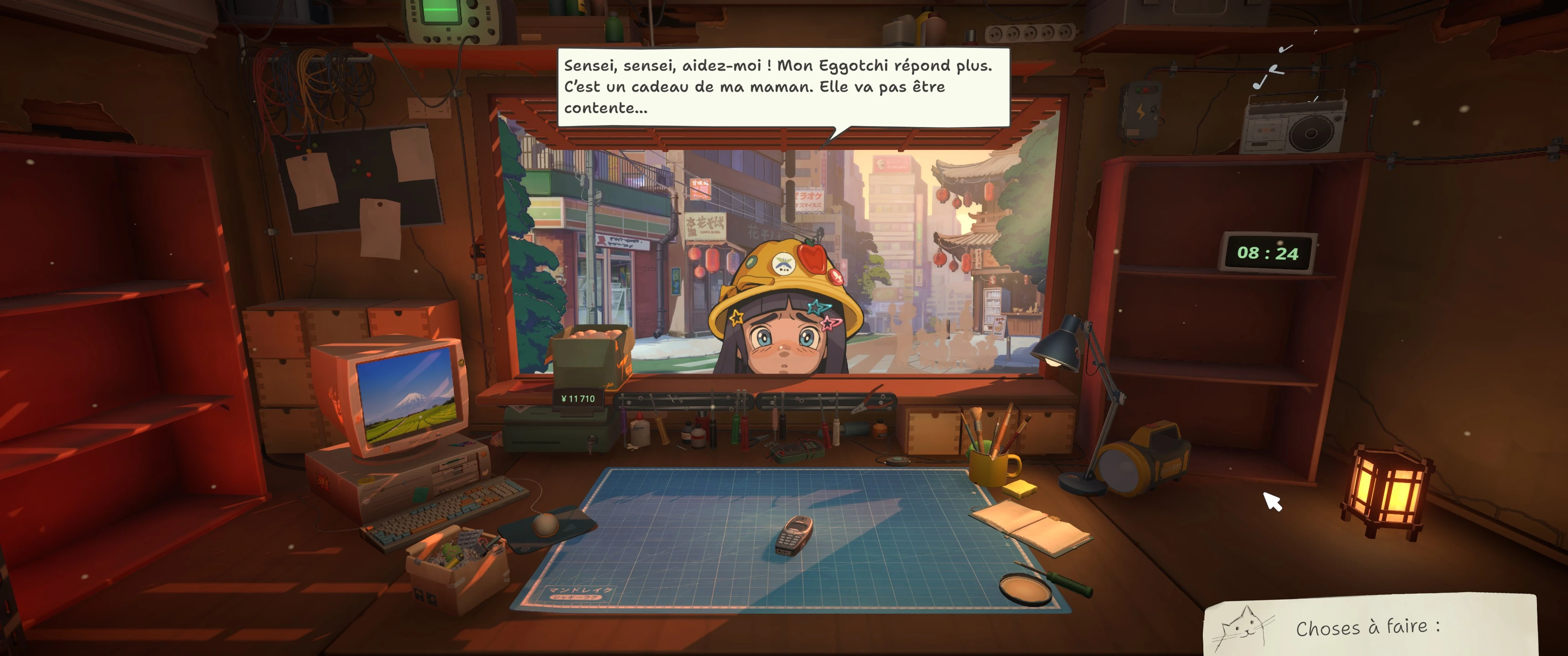
Yui brings her Eggotchi to the counter. This identifies the starting request, not the later payment choice.
Use a safe checkpoint
Make a separate save before returning the completed device or entering the final customer conversation. Finish every repair objective first, then read the payment choices carefully and select the option that clearly waives the charge. Allow the dialogue and any hand-in animation to finish before checking the notification. Keep the post-scene save after the achievement appears.
What does not unlock Origami
Ordinary discounts, a free internal part, declining a marketplace sale, repairing Hashimoto's Pokia for a different route, or completing an unrelated childlike device are not substitutes for the specific customer choice. Likewise, the Steam icon or title is not evidence of a hidden crafting system. Follow the official condition and the scene's explicit payment wording.
If the achievement does not pop
Confirm Steam is online, overlays or notifications are not merely hidden, and the achievement remains locked in the global list. Reload the pre-hand-in save, verify that the free-help response was selected rather than a reduced fee, and let the whole scene complete. Update the game before assuming the save is permanently broken; launch builds had fixes for several early-unlocking achievements, even though Origami was not named in that note.
Route and spoiler handling
Origami is best attempted on a normal or positive playthrough because the compassionate response fits ReStory's wider customer-story design. Preserve a branch checkpoint if you also want to observe the paid answer. The achievement confirms the free-help action; it should not be used alone to infer a complete Happy or Secret Ending route.
Origami checklist
The whole attempt can be protected with four observable checks.
- The customer's device is fully complete
- A save exists before the hand-in
- The explicit free-help option is chosen
- The full customer scene is allowed to finish
- Steam shows Origami as unlocked
- The successful post-scene save is preserved
Research links
These are the primary pages used to check the facts and current release context in this guide.
Official information, observable release behavior, and community reports are deliberately separated. A community report is not presented as a universal fix until it can be reproduced or supported by current patch notes.