Use this page to find the current symptom before trying a workaround. Official fixes, developer acknowledgements, and player reports remain visibly separate; “reported” never means every save is affected. The Fuzzby update is released, adding Fuzzby and the original Nony PlayMachine Controller. The story-progression fix is a separate beta_version branch for affected players. The previously teased device is still in development; this release does not confirm all earlier story additions.
Fuzzby update: current release and repair scope
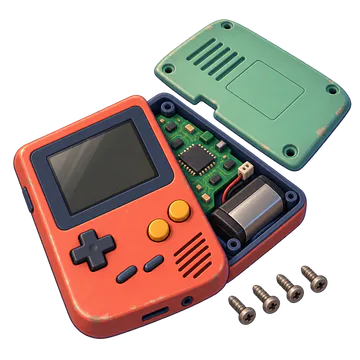
The Fuzzby update is released, adding Fuzzby and the original Nony PlayMachine Controller. The story-progression fix is a separate beta_version branch for affected players. The previously teased device is still in development; this release does not confirm all earlier story additions.
Choose the symptom you are seeing
Use the existing guide for each traceable symptom. A report is not proof that every save is affected.
| Priority | Problem | Use this page |
|---|---|---|
| 1 | Story progression stopped before the ending | Story Not Progressing |
| 2 | Post-story tools, customers and online work | Post-story guide |
| 3 | XI-box competition screw or drive will not respond | XI-box / Competition Soft Lock |
| 4 | Akiba Feels Like Home at Day 365 | Akiba Feels Like Home |
| 5 | Part listed missing while inside the Sonic Bath | Repair Guide |
| 6 | Soldering lines missing after cleaning | Soldering Not Working |
| 7 | Atari 2600 shows 11/11 assembled but parts remain Unknown | Atari 2600: assembled versus identified parts |
| 8 | ReStory crashes or keeps running after Alt-Tab | Alt-Tab crash checks |
| 9 | Sound repeatedly cuts out | Compare the affected audio |
Competition email or Akiba app never appears
Do not keep advancing days on an unprotected save. Record the build, save age, last repair, To-Do and Inbox state, then use the Akiba Championship diagnosis to separate a missing trigger from an assembly or achievement problem.
Open the Akiba trigger diagnosis
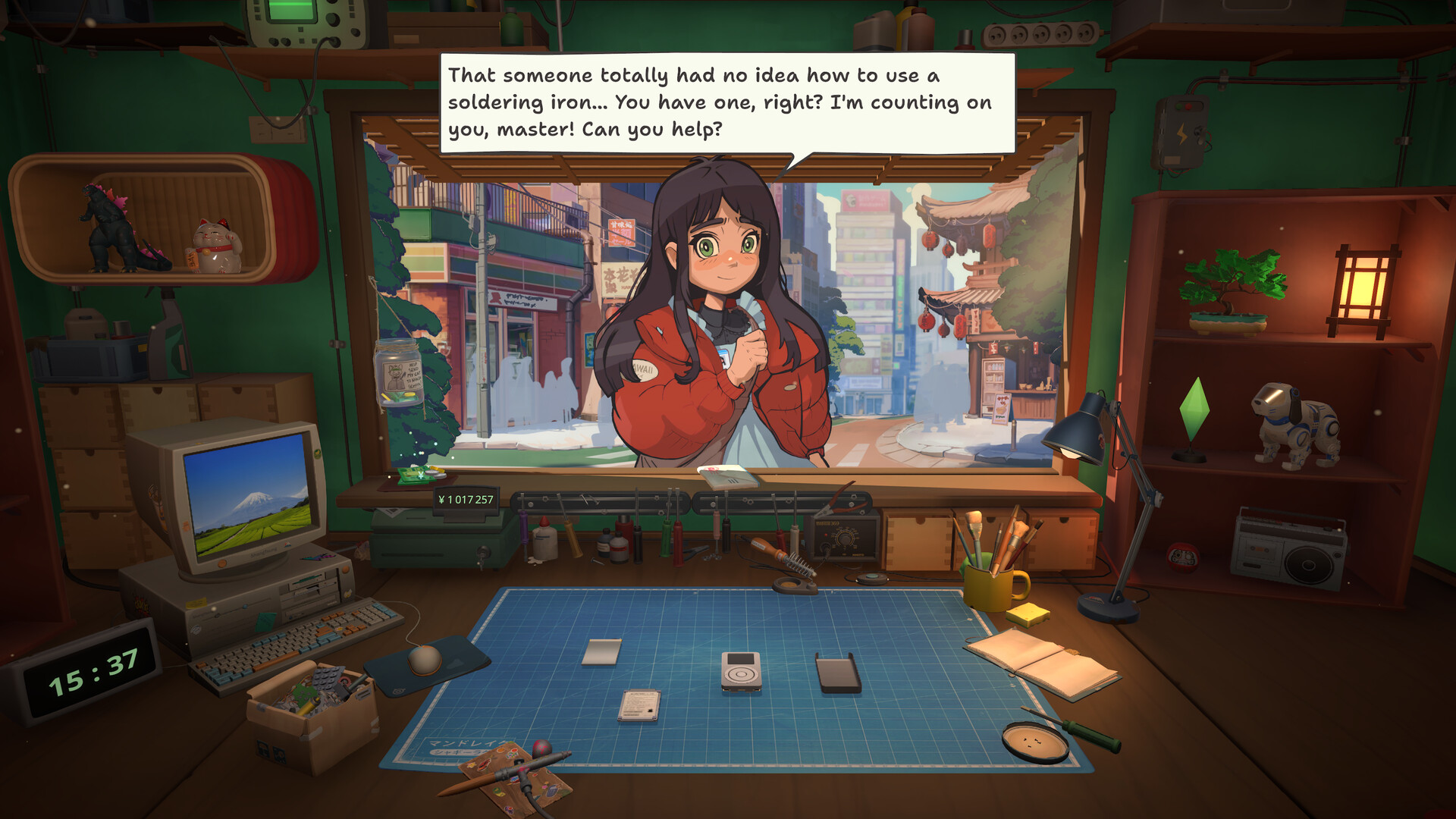
Orders begin at the counter. Read the request, then check the To-Do list before deciding that progress is blocked.
Nony PMP screws are visible but the hint misses them
This is different from an invisible part. When four battery-area screws are visible but the overlay highlights only some of them, use the visible fasteners and counters, then open the model-specific evidence note.
No dirt appears on any part
A dated player report describes orders opening with every part already clean. Keep this separate from visible dirt stuck at 0%. Preserve the save and record the build, operating system, GPU, device and ticket text; the cause and fix are not confirmed. The Repair Guide contains the full decision path.
Safe troubleshooting order
Update first, confirm the symptom on one protected save, then use the smallest reversible test. Check To-Do, mail, active orders, delivery and storage boxes before assuming story data is corrupt. For device or competition failures, capture the last valid layer and the first missing hit target.
How status labels work
Official fixed means a developer patch note names the defect. Developer acknowledged means the team replied but no public fix is confirmed. Player reported means the symptom has a traceable report and may be save-specific. Watching means evidence is still too mixed for a guaranteed workaround.
Historical delayed-update notice
The September 18 notice delayed the update that had been planned for September 21. This is historical context. For released content and the separate story-fix beta branch, use the current release section above; do not treat every earlier preview as a shipped quest.
Unlock-ToolKit and Firmware Update
For an order asking for hacking or Firmware Update, open the Unlock-ToolKit guide to check the in-game installation route and task requirements. Separate an absent app, an ineligible device and a story-progression blocker before buying anything else.
Robby License or replacement parts missing
The source licence table lists Robby License as a competition prize. Check your Robby competition result and licence inventory, then reopen Parts Store and Marketplace. Use the Robodog License guide if the reward or parts listing is still missing; record the build, result and store state instead of waiting for an invented unlock day.
PC controller cursor and input checks
For a slow joystick cursor or a mapping that breaks rotation and cleaning, use controller-settings for a reversible, one-change-at-a-time checklist. It separates PC external controllers from Deck compatibility and does not promise a universal preset.
Sound cutting out: check which audio is affected first
A player report posted October 8, 2026 at 03:53:41 CST describes the entire PC's audio, including Spotify, cutting out roughly every 5–10 seconds for several seconds at a time while ReStory is running. Reopened on October 9, the thread has no replies or confirmed fix. The player does not name the game build, operating-system version or output hardware. This is one report, not a reproduced cause or evidence that every installation is affected. Use the branches below to describe your own symptom before changing settings; an older report about quiet task-completion or painting effects does not establish a solution for system-wide interruptions.
Read the original “Sound cutting out constantly” player report (no confirmed fix)
| What stops playing? | What to compare | What to record or report |
|---|---|---|
| The game and another application both cut out | Compare both applications on the same output device, then check whether the interruption also happens when ReStory is closed. This comparison does not identify the cause by itself. | Game build, operating-system version, speaker/headset or other output, connection type, interval and duration. Note whether the other application is affected; keep this distinct from a radio-only symptom. |
| Only ReStory cuts out | Check whether in-game music and effects both stop, or only the radio. Note whether the game is in focus when it happens; compare with another application without changing several settings together. | Affected sound category, scene or task, game build, output device and any repeatable trigger. A game-only result is not the same symptom as the whole-PC report. |
| Only a task-completion or painting effect sounds quiet | Compare that named effect with normal music and other effects. Quiet playback is different from repeated periods of silence. | Name the effect and current build. Do not treat the historical quiet-effects discussion as a verified workaround for intermittent cut-outs. |
Accepted an Eggotchi cleaning order but cannot find the device?
For an accepted Eggotchi online cleaning job whose device cannot be found, use the email-order checklist. Keep it separate from Yui’s data-recovery story task; the linked player report has no confirmed general fix.
Bench zoom does not get close enough
A November 7 report describes shallow zoom while cleaning, soldering or removing screws on small parts. The post does not identify a build or a fix. Compare the same action on a larger part first. If it only happens on one component, record the device, part, tool and build so the report can be reproduced.
Steam Deck controls stop responding mid-session
A player reported that only the left stick worked and a restart helped for about ten minutes. The post does not name the game build or confirm a lasting fix. Before changing your save, check whether Steam’s overlay still responds. Record the active Steam Input layout, any external controller and the last working screen.
Cross-check this step with Repair guide, then use Tools to choose the next action without changing several variables at once.