Current release
The Fuzzby update is released, adding Fuzzby and the original Nony PlayMachine Controller. The story-progression fix is a separate beta_version branch for affected players. The previously teased device is still in development; this release does not confirm all earlier story additions.
Your first shift
Start with the Beginner Guide to learn the counter, accepted orders and daily shop routine. Read the customer request before buying anything. Use the Walkthrough when you need objective order rather than a repair technique.
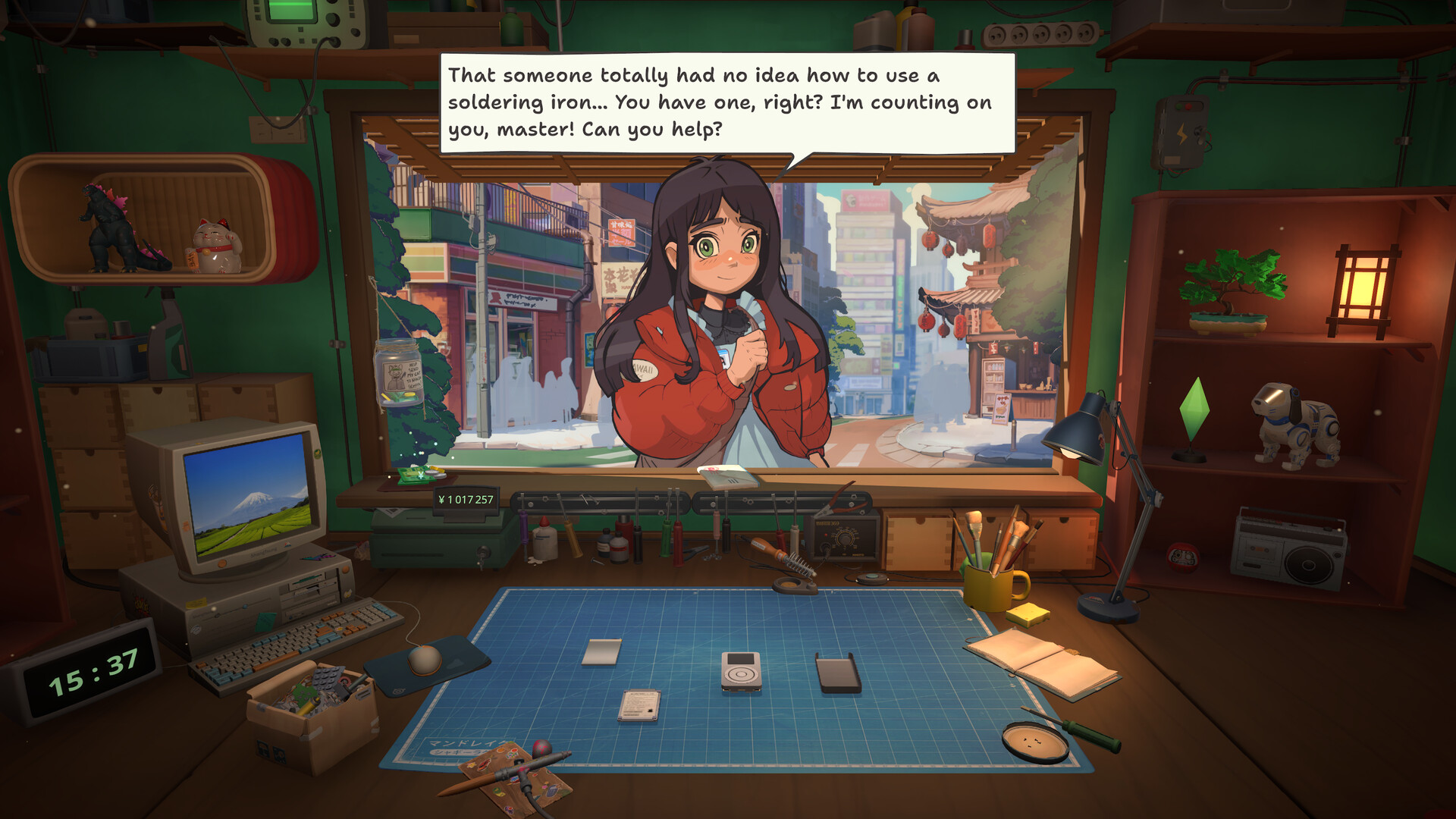
Orders begin at the counter. Read the request, then check the To-Do list before deciding that progress is blocked.
A repair is blocked
Identify the device and the exact remaining To-Do. The Repair Guide covers inspection, cleaning, diagnosis and reassembly; the model page covers its parts and layers. If a piece will not fit, compare the exposed layer and orientation before buying a replacement.
Choices and spoilers
Open Choices before a decisive conversation or story-device hand-in. Keep a separate save if you want to compare outcomes. Character pages follow customer jobs; achievement pages explain unlock checkpoints. Endings contains the heavier story spoilers.
Parts, licenses and money
Match replacement parts to the exact model in the Notebook. Check the relevant license if marketplace offers or supplier stock are missing. In the Money guide, subtract purchase and replacement costs from the actual reward or sale; old-build prices are reference records, not guaranteed current profit.
Steam Deck and controls
Use the Steam Deck guide for Valve compatibility status and the controls guide for input settings. A compatibility rating is different from measured frame rate or battery life. If input behaves differently, note the game build, controller layout and whether you use the built-in or an external controller.
A visitor or objective is missing
Read the active To-Do and speak to the customer at the counter before skipping days. Story Not Progressing separates unfinished work from missing callbacks and known bugs. Match your objective and branch to the guide before trying a workaround on an important save.
Launch and save problems
Keep launch errors separate from in-game repair problems. For a save issue, back up the existing files before changing slots or cloud-sync settings. The technical guides ask for the platform, exact error and last working save so you can choose a specific recovery path.
A spoiler-light reading order
Follow this order: Beginner Guide, Repair Guide, the device named on your ticket, then the Walkthrough if objective order is unclear. Open Choices before irreversible dialogue. Use Endings and the 50-achievement checklist when you are ready for spoilers and completion work.
Find a precise answer
Search with the exact model, character, objective or error text. A screenshot of the active task is more useful than a guess about its cause. Use the related links to continue the same job; send a correction with the page URL and observed result if a step differs.
All guides and tools
- Wiki index
- Beginner guide
- Repair guide
- Money guide
- Choices guide
- Endings guide
- Characters
- Devices
- Tools
- Achievements
- FAQ
- Secret ending
- Happy ending
- Hashimoto guide
- Spare parts
- Eggotchi data
- Open the shop
- Hashimoto choices
- Gangster choice
- Student choice
- Assembly competition
- Licenses
- Sonic bath
- Robodog license
- Akiba Championship
- Internet speed
- Best early tools
- Keep or shred
- Email orders
- Origami achievement
- Patch 1.0.013r
- Marketplace
- Hoshino Yui
- Yamato Takeru
- Inspector Sakamoto
- Aoyama Takumi
- Haruhi guide
- Eggotchi
- Atari 2600
- Atari CX40
- Nony PMP
- Atari Lynx
- Complete walkthrough
- Save file location
- Ghost in the Frame
- Ronin
- Melancholy
- Globalization
- About
- Editorial policy
- Privacy
- Device Sale Prices
- Missable achievements
- Airbrush fix
- Autorolla WT2000
- Story progression
- Terms
- Mac launch error
- Palaloid
- Update timeline
- Soldering fix
- Galactic Cleaning
- Nony PlayMachine
- Kaito
- XI-box
- IDM ThinkerDad
- Blueberry Curl
- Frugal
- Steam Deck
- Nerdio W-91F
- Paint palettes
- Jack of all trades
- Performance fixes
- Robby
- Story explained
- Akiba Feels Like Home
- Legend of Akiba
- Current problems
- Unlock-ToolKit & hacking
- Does ReStory use AI?
- System requirements
- How long to beat
- Contact
- Post-story guide
- 5-star shop rating
- Demo status
- Platforms & VR support
- Is ReStory realistic?
- Controller settings
- ReStory mobile
- Games like ReStory
- Fuzzby update guide
- Fuzzby repair
- Multiplayer status
- ReStory mods
- Autorolla Razor
- BreadBox Joystick
- Brick Game
- Game Duck
- Guitar Legend
- Mapple Mypod
- Nony Goman
- Patento BS
- PlayMachine Controller
- Pokia 3310
- Pokia Njoy
- Simsons M65
- Unicorp 99L
- Unicorp Kettle
- Unicorp Vision
- Wertu Signature
- XI-box Controller
- Competition tracker
- Achievement tracker
- Pay bills