A five-star device result and the shop's overall rating are different systems. Current player discussion confirms the question is active, but the reviewed developer material does not publish a complete five-star formula. Record the rating before and after one controlled change; do not assume that advancing days, buying every license or repeating random orders guarantees five stars.
Device result is not the shop rating
Record one controlled change between checks.
- ▣Repair resultOne returned device
- ≠Separate systemsDo not merge the scores
- ★Shop ratingCleanliness, reviews, state
Quick answer
A five-star device result and the shop's overall rating are different systems. Current player discussion confirms the question is active, but the reviewed developer material does not publish a complete five-star formula. Record the rating before and after one controlled change; do not assume that advancing days, buying every license or repeating random orders guarantees five stars.
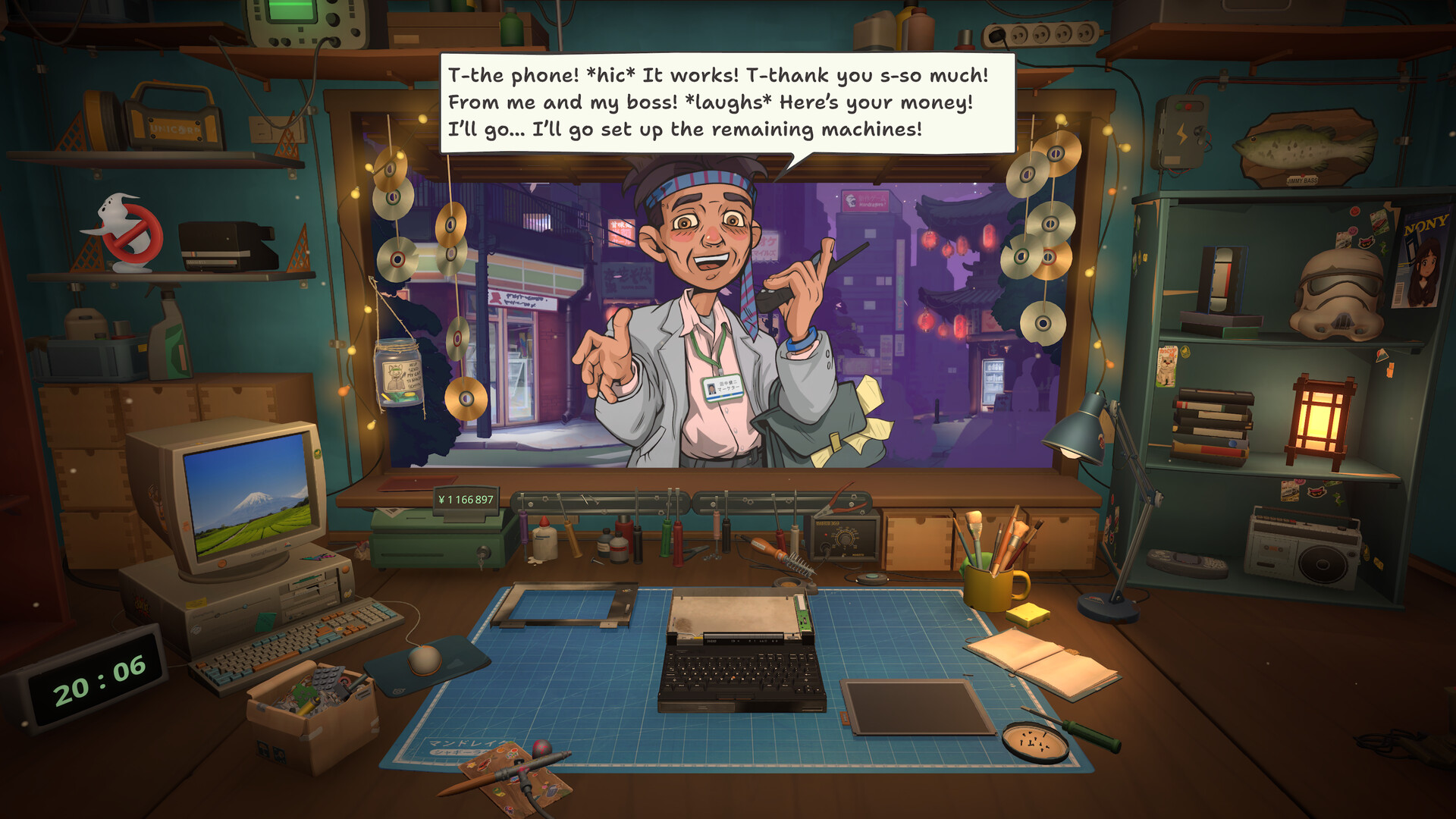
A completed repair can unlock the next dialogue, achievement, or story beat. Save before mutually exclusive choices when the route matters.
Why Am I Getting Rats or Smelly Shop Reviews?
Those words do not by themselves prove that a removable rat or hidden dirty spot exists, and they also do not prove shop condition is irrelevant. In the August 7 thread, one player attributed the reviews to a rival/story event, the original poster said they stopped after a pending main-quest repair was completed, and developer Misao separately recommended raising Zen with decorations. These are different evidence types, not a universal five-star formula.
Rats / Smelly Evidence and Safe Checks
Record the exact review text and story stage before changing anything. Then finish a clearly pending main-story repair, inspect visible shop condition, and check Zen one variable at a time. Preserve before/after screenshots and a save; do not repeatedly buy decorations or licenses as a guaranteed fix.
| Aug 7 source | Claim | Scope |
|---|---|---|
| Player reply #2 | Rival/story event may generate bad reviews | Community explanation |
| Original poster #3 | Reviews stopped after a pending main-quest repair | One save observation |
| Developer Misao #4 | Increasing Zen with decorations can improve reviews | Developer suggestion; not a guarantee |
FAQ: Why Did Bad Reviews Appear Suddenly?
The reviewed reports point to story state, unfinished main work, shop condition and Zen as separate checks. The complete weighting and trigger formula is not published, so capture the review wording and change only one condition at a time.
FAQ: Why Did My Shop Rating Drop?
A device hand-in rating and the persistent shop rating are different. Check recent review text, unfinished main work, visible shop state and Zen separately; no reviewed source proves that one perfect repair restores the overall rating.
FAQ: Do Rats or Smelly Reviews Prevent Five Stars?
Unknown. A recent discussion summary reports a previously five-star shop receiving rats/smell reviews, but the full new thread was not available. Neither that summary nor the August 7 thread establishes a permanent five-star block or a guaranteed recovery formula.
Device rating versus shop rating
The result shown after a repair describes that job: whether the requested work registered and how the hand-in was judged. The persistent shop rating summarizes a broader state. Capture both screens separately. A perfect repair is useful evidence for that device, but it does not by itself prove the overall shop should gain a star.
Check cleanliness, comfort and unfinished work
Walk the whole room and inspect reachable surfaces, placed objects, the counter, delivery area and any device still occupying a work state. Check comfort or Zen separately from cleanliness. Finish or safely store incomplete work before testing the rating again; change one category at a time so the result remains interpretable.
- Capture the current shop-rating screen
- Clear visible dirt and review the whole room
- Check comfort or Zen without treating it as the same score
- Finish or store active jobs
- Advance once, save, reload and compare
Why the shop can appear stuck at three stars
A plateau can reflect an unmet visible condition, a delayed refresh, a story-limited state or a current-build issue. Do not spend all cash to test every upgrade at once. Save, complete one clean repair, check the room, close one day, reload once and compare. If nothing changes, preserve before/after screenshots and report the build and story state.
Post-story and advancing days
Current post-story reports describe continued online work but do not establish a guaranteed five-star recovery route. Advancing days repeatedly changes several variables and can hide the real cause. Keep a pre-ending save, then test one reversible action in a separate slot rather than assuming time alone repairs the rating.
What is confirmed, reported and unknown
Confirmed by public game material: shop management, repair results, reviews, comfort and related achievements exist. Reported: players can remain below five stars and are actively comparing cleanliness and progression. Unknown: a complete formula, a guaranteed day threshold, an all-license requirement, and whether every post-story save can still reach five stars.
| Claim | Status | How to verify |
|---|---|---|
| A perfect device repair guarantees a shop star | Not confirmed | Compare separate device and shop screens |
| Cleaning can matter | Plausible / player discussed | Record a before-and-after room pass |
| Advancing days guarantees progress | Not confirmed | Test one day only on a protected save |
| Five stars are universally impossible | Not established | Preserve reproducible current-build evidence |