Yes. The official 1.0.011r notes state that parts cleaned with the Sonic Bath count toward achievements. Update before grinding; older reports that describe ultrasonic cleaning as untracked refer to the pre-fix behavior. The official 1.0.011r notes confirm that Sonic Bath cleaning counts toward cleaning achievements. The 1,000-part requirement is public; a visible in-game progress bar and cross-save carry-over are not officially documented. Community save-counter reports indicate progress is tied to a save, so keep one protected slot until Steam confirms the unlock.
Current progress and evidence status — August 30
The official 1.0.011r notes confirm that Sonic Bath cleaning counts toward cleaning achievements. The 1,000-part requirement is public; a visible in-game progress bar and cross-save carry-over are not officially documented. Community save-counter reports indicate progress is tied to a save, so keep one protected slot until Steam confirms the unlock.
| Claim | Status | What to do |
|---|---|---|
| Clean 1,000 parts | Official achievement requirement | Count cleaned parts, not completed devices |
| Sonic Bath counts | Official since 1.0.011r | Update before farming |
| One-save progress | Community reported | Keep one protected save |
| Visible progress counter | Not provided in-game | Use the Steam unlock as final confirmation |
Quick answer: Sonic Bath counts on the current build
Yes. The official 1.0.011r notes state that parts cleaned with the Sonic Bath count toward achievements. Update before grinding; older reports that describe ultrasonic cleaning as untracked refer to the pre-fix behavior.
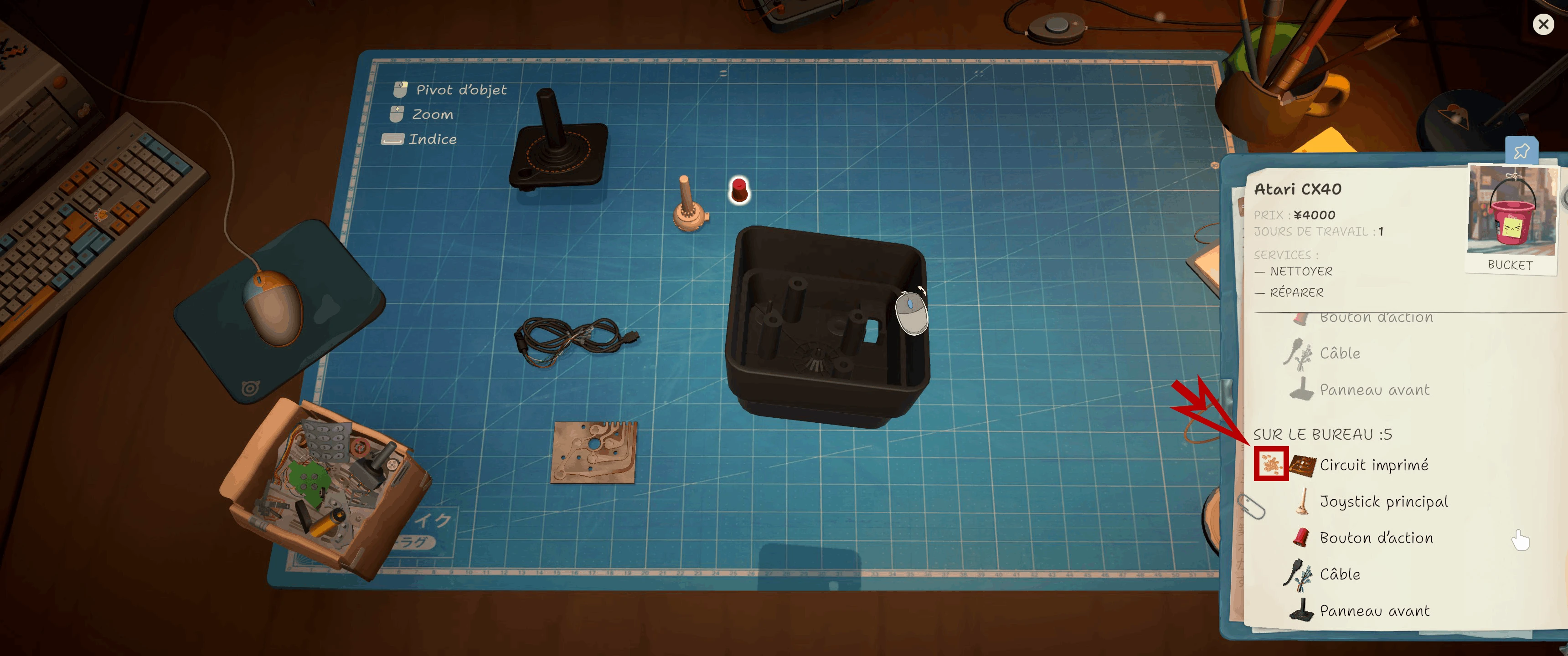
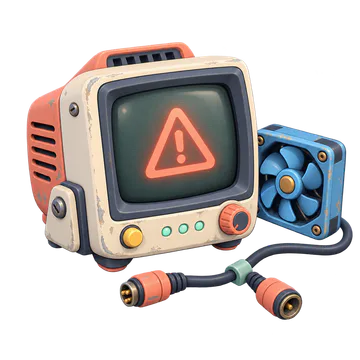
The CX40 notebook marks a dirty circuit board. Check this status before cleaning or replacing a part.
What Galactic cleaning! requires
Steam lists one public condition: remove dirt and dust from 1,000 parts. This is a parts count, not 1,000 completed devices, workshop cleanups, or repair orders. Steam currently exposes the unlock as a single achievement rather than a reliable progress bar.
| Check | Current answer |
|---|---|
| Target | 1,000 cleaned parts |
| Sonic Bath | Counts since 1.0.011r |
| Manual tools | Count through normal cleaning |
| Confirmation | Steam achievement unlock |
Use one protected save until the achievement appears
Community reports indicate that the cleaned-parts value lives with save progress, but Valve does not publish the internal save-counter rules. The safest plan is therefore one continuous save. Back it up before testing New Game or moving between slots, and do not assume totals from separate campaigns combine.
Fast progress without turning the run into empty grinding
Accept orders with multiple dirty components, clean reusable parts before buying replacements, and use Sonic Bath for batches once it is unlocked. Parts-box and donor work can add opportunities, but buying random devices only for dirt can drain cash. Let the count rise alongside email orders, marketplace repairs, and normal customer work.
If Galactic Cleaning does not unlock
Confirm the installed build is 1.0.011r or later, remain on the same protected save, and finish another set of fully cleaned parts. Check the Steam achievement list after the save completes. If it still appears stuck, record the build, slot, day, cleaning method, and whether the part came from an order, donor, or box before posting a report.
- Update the game
- Protect the current save
- Clean a small controlled batch
- Wait for the save to finish
- Check Steam directly
- Report reproducible details instead of editing save data
FAQ: must all 1,000 parts be cleaned in one sitting?
No. The requirement is cumulative progress, not a single session. Keep using the same save until the unlock is confirmed.
FAQ: does cleaning the workshop count?
No. Clean Job is the separate workshop-cleaning achievement; Galactic cleaning! names dirt and dust removed from parts.
FAQ: should I edit the save counter?
No. Preserve a normal backup and use the current patch. Editing a save can damage progression and makes a bug report much harder to verify.
Continue with the complete achievement tracker
See All 50 ReStory Achievements for the saved checklist, six missables, current unlock rates, and the next compatible route.
Research links
These are the primary pages used to check the facts and current release context in this guide.
Official information, observable release behavior, and community reports are deliberately separated. A community report is not presented as a universal fix until it can be reproduced or supported by current patch notes.