Email orders expand the shop beyond walk-ins. Treat each message as a priced repair commitment: read it, cost it, reserve it, then accept only work the bench can finish. Read the full request before accepting. Identify the device family, requested operation, deadline or timing shown by the game, reward, license, specialist tool, and likely replacement source. Check active bench space and inventory. Accept when the shop can fund the repair and complete it without sacrificing an earlier promise.
How to handle a new email order
Read the full request before accepting. Identify the device family, requested operation, deadline or timing shown by the game, reward, license, specialist tool, and likely replacement source. Check active bench space and inventory. Accept when the shop can fund the repair and complete it without sacrificing an earlier promise.
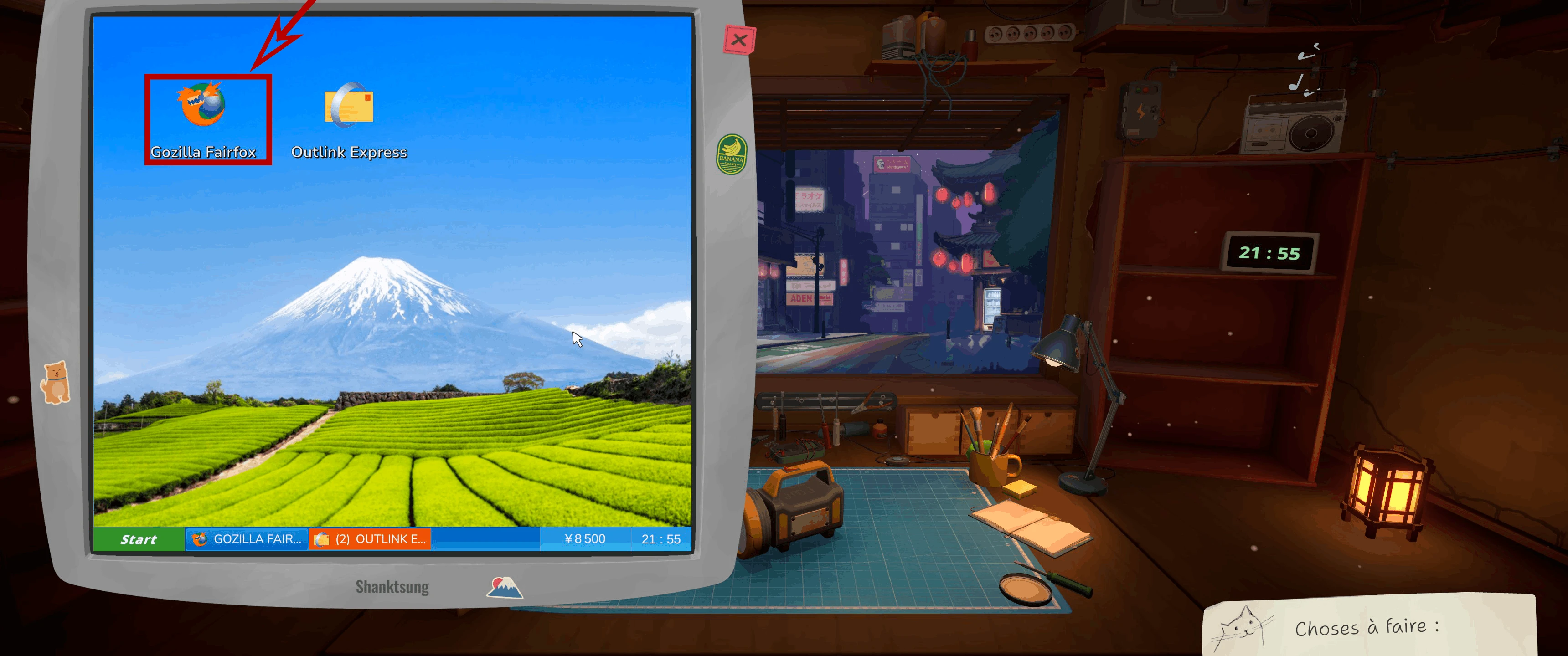
The shop computer has separate browser and email shortcuts: shopping and customer orders start in different apps.
Use a simple intake table
A short note prevents high headline rewards from hiding a costly job.
| Field | Question |
|---|---|
| Device | Do you own the required license and know the layer order? |
| Operation | Cleaning, replacement, soldering, firmware, customization, or several? |
| Parts | Is the exact component stocked or priced? |
| Cash | What remains after parts, delivery, and bills? |
| Queue | Can it finish before existing commitments? |
| Risk | Does a current patch note affect this device or operation? |
Track the official milestones
Steam lists Master of Internet for accepting the first email order, WWW for completing 25 email orders, and Internet Business for completing 100. Keep one counter for accepted work and one for completed work because the first milestone uses acceptance while the later descriptions use completion. Let profitable real jobs advance the totals; do not fill the queue with work the shop cannot afford.
Make 25 and 100 orders sustainable
Batch decisions, not devices. Review email at a consistent point in the day, reserve parts immediately after acceptance, and keep a small number of finishable orders active. Combine progress with cleaning, earnings, reviews, and specialist-operation achievements when the jobs naturally support them. A stable pipeline reaches 100 more safely than repeatedly accepting every message.
If an order does not progress
Re-read whether the job expects a physical part, cleaning threshold, firmware action, customization, or final hand-in. Confirm unread indicators and the current game build; official launch updates fixed an email indicator issue. Preserve the device and message, then document the exact remaining objective instead of cancelling a potentially complete repair.
Email-order checklist
Use this before acceptance and before return.
- License and tool requirements are covered
- Parts are stocked or priced
- Reward exceeds the complete expected cost
- Bills and earlier orders remain protected
- Every requested operation is checked after reassembly
- Completed-order counter is updated
Research links
These are the primary pages used to check the facts and current release context in this guide.
Official information, observable release behavior, and community reports are deliberately separated. A community report is not presented as a universal fix until it can be reproduced or supported by current patch notes.