ReStory is Steam Deck Verified. Check the current Valve test, built-in controls, external-controller warning, safe settings and save troubleshooting. Use the Deck’s default controls as your starting configuration. Keep built-in controls, external controllers and touch tests separate; the compatibility rating is not a frame-rate benchmark.
Steam Deck Verified: default controller configuration
Use the Deck’s default controls as your starting configuration. Keep built-in controls, external controllers and touch tests separate; the compatibility rating is not a frame-rate benchmark.
External Bluetooth or USB controller may need manual switching
If an external Bluetooth/USB controller is not active, check the Quick Access Menu and select the controller before changing its bindings. Retest the same action; this compatibility note does not promise that every controller works.
Keep built-in, external, PC controller-only, and touch checks separate
Built-in Deck controls are covered by Valve’s default-controller check. External controllers carry the active-controller note. Complete PC controller-only and touch coverage are not established by this record.
| Input | Current evidence |
|---|---|
| Deck built-in controls | Covered by the default-controller check |
| External Bluetooth/USB | May require Quick Access Menu switching |
| PC controller-only | Complete coverage not verified |
| Touchscreen | Not established by this report |
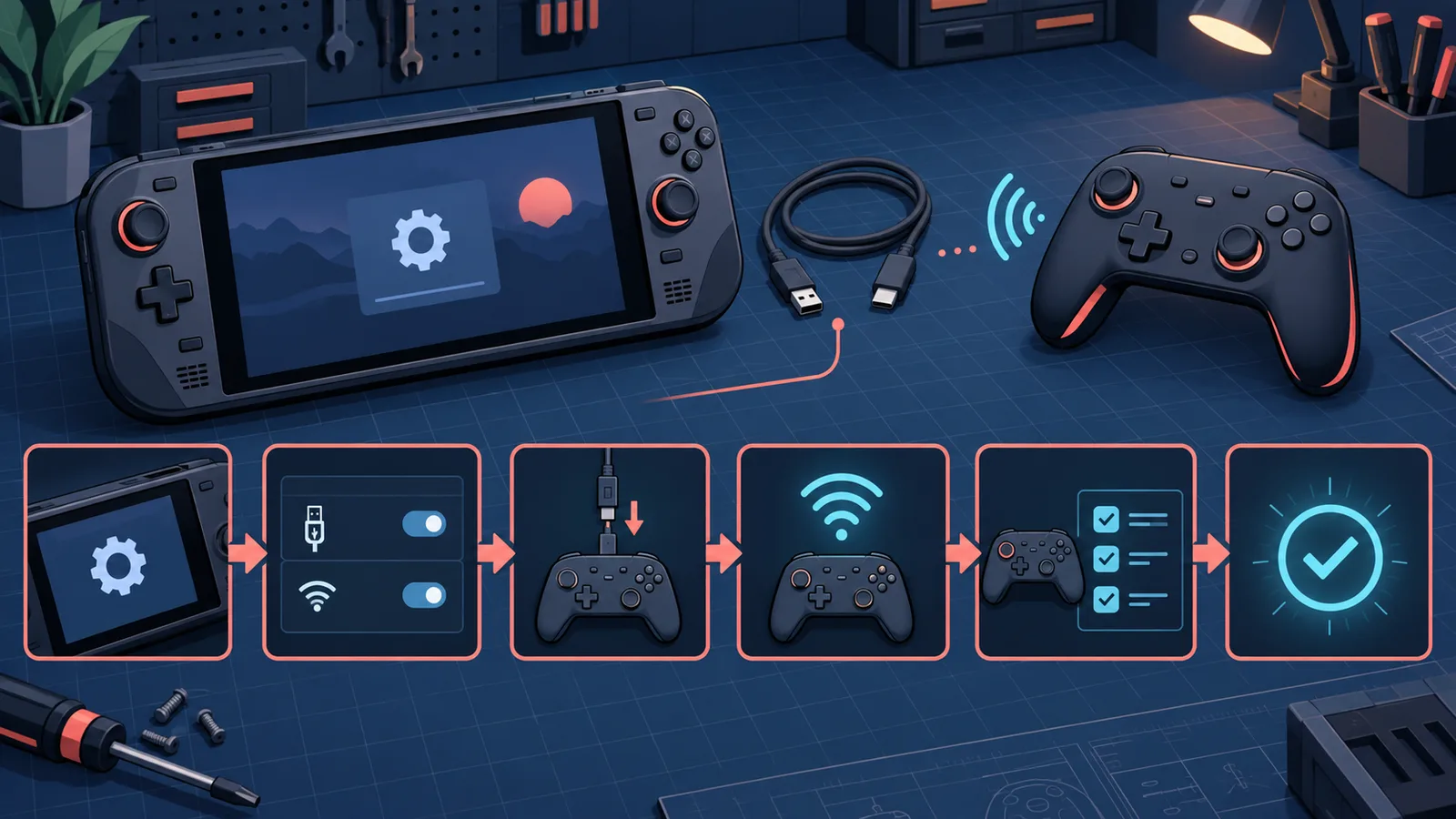
Original editorial input-check flow. It is not a Steam Deck screen or proof that every external controller is supported.
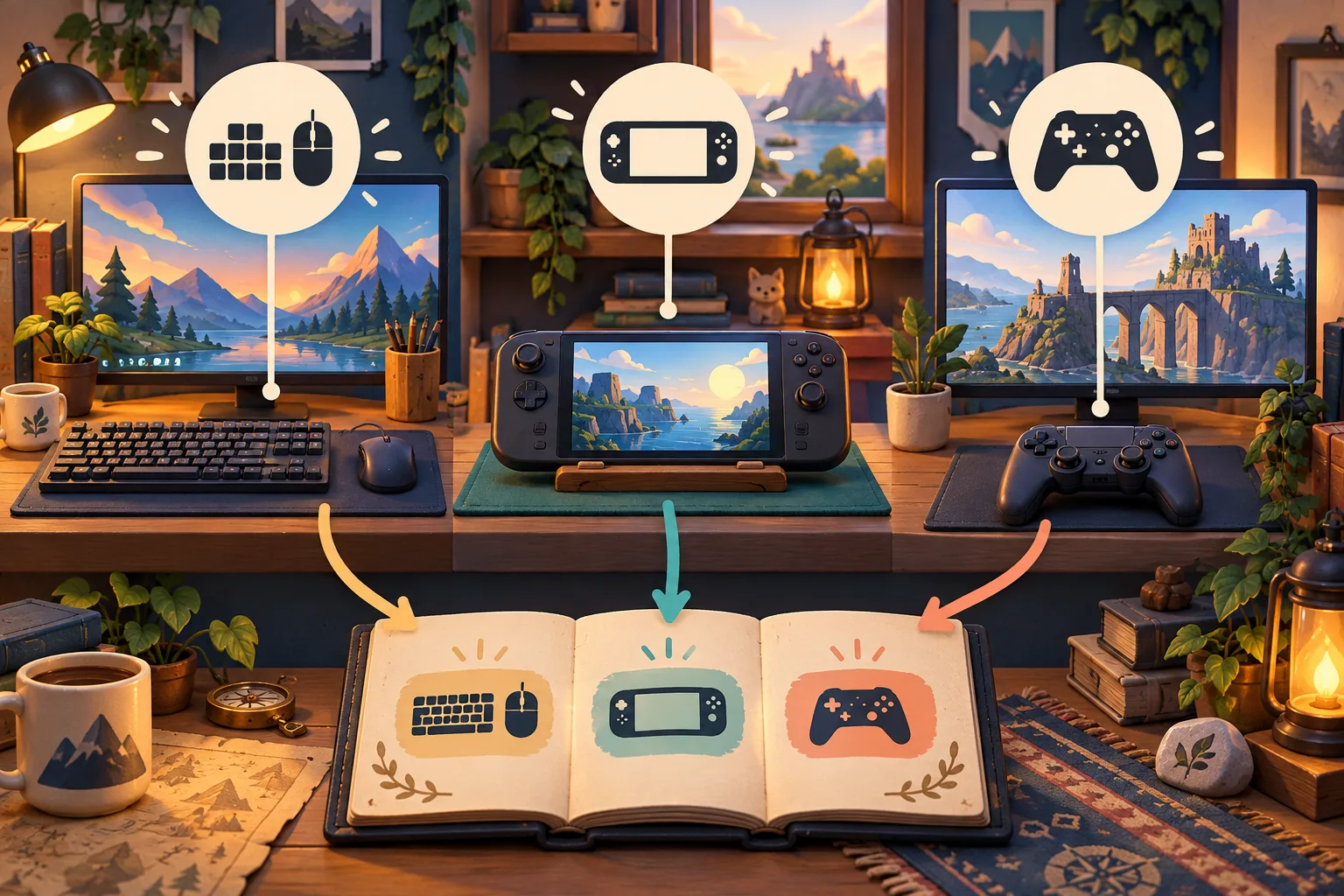
Record whether you use built-in controls, an external controller or a keyboard. Original AI-assisted editorial illustration; not an in-game screenshot or a tested result.
Steam Deck joystick cursor is painfully slow
A September 23 player report says the Steam Deck joystick cursor is painfully slow and asks for a sensitivity setting. No reply or current in-game sensitivity control was confirmed in that report. First identify the active input: the Deck’s built-in stick, an external controller, the trackpad or a mouse are separate tests. On a protected save, compare the built-in stick with the trackpad or mouse, then record SteamOS, game build, Steam Input layout, connection type and the screen where movement is slow. Do not disable Steam Input universally or publish a guessed slider value as a fix.
| Input | Controlled check |
|---|---|
| Built-in stick | Confirm the Deck is the active primary controller and record the affected screen |
| External controller | Test separately; Valve’s report includes a primary-player warning |
| Trackpad or mouse | Use only as a comparison, not a guaranteed workaround |
| Sensitivity menu | No current in-game setting was confirmed in the cited report |
Controller stops rotating parts or the active controller changes
Valve's August 24 compatibility test and current readable report rate the default Steam Deck controller configuration as Verified. The compatibility note says an external Bluetooth/USB controller may not be selected by default on Deck or SteamOS and may need to be selected manually as the active controller through the Quick Access Menu. This does not verify every external controller, a controller-only PC flow, or touchscreen input. If input stops, open Quick Access, confirm the active controller, and test one device action. If selection does not stick, isolate the test to the built-in controls or one external controller, then record the build, connection, Steam Input layout, and device.
| Check | Expected result |
|---|---|
| Built-in controls | Steam Deck is the active primary controller |
| External controller | May require manual active-controller selection in Quick Access Menu |
| Steam Input | Default ReStory layout is active |
| Device state | Reopen the device before retrying rotation |
| Report | Build, controller, connection and device are recorded |
Is ReStory Steam Deck Verified?
Valve's August 24 compatibility test and current readable report rate the default Steam Deck controller configuration as Verified. The compatibility note says an external Bluetooth/USB controller may not be selected by default on Deck or SteamOS and may need to be selected manually as the active controller through the Quick Access Menu. This does not verify every external controller, a controller-only PC flow, or touchscreen input.
| Valve check | Current result |
|---|---|
| Current rating | Verified |
| Built-in controls | All functionality accessible |
| Button prompts | Controller glyphs match Steam Deck |
| Text | Legible on the handheld display |
| Default configuration | Passes the performance check |
| External controller | May require manual active-controller selection in Quick Access Menu |
Start with the default settings
Verified means Valve’s default-configuration checks pass; it does not promise one frame rate, temperature or battery-life result in every scene. Start with the default graphics and the built-in controller. Change one setting at a time only when you can repeat the same symptom.
External Bluetooth or USB controller may need manual switching
Valve's August 24 compatibility test and current readable report rate the default Steam Deck controller configuration as Verified. The compatibility note says an external Bluetooth/USB controller may not be selected by default on Deck or SteamOS and may need to be selected manually as the active controller through the Quick Access Menu. This does not verify every external controller, a controller-only PC flow, or touchscreen input.
Slowdown, heat or a repair that gets stuck
Verified is a compatibility result, not a temperature benchmark. Valve does not publish a universal FPS, battery-life or temperature target here. Record the scene, graphics settings, SteamOS version and game build before changing settings. For soldering or story progression, use the matching guide and current patch notes instead of assuming a Deck-specific fault.
Protect saves before troubleshooting
Keep a separate save before testing a workaround. Do not reset the campaign or delete Proton files as a first step. If the same fault survives a reload, record the exact device, task, controller state and current build.
Troubleshoot one input at a time
Protect the save, start with the default Steam Input layout and built-in controls, then add one controller. Record SteamOS, game build, connection, active controller, and the exact screen. No universal device guarantee is made.
PC controller cursor and input checks
For a slow joystick cursor or a mapping that breaks rotation and cleaning, use controller-settings for a reversible, one-change-at-a-time checklist. It separates PC external controllers from Deck compatibility and does not promise a universal preset.
Research links
These are the primary pages used to check the facts and current release context in this guide.
Official information, observable release behavior, and community reports are deliberately separated. A community report is not presented as a universal fix until it can be reproduced or supported by current patch notes.