ReStory has had two separate Mac problem clusters: a resolved old-Intel launch issue and a Steam delivery issue where the Mac download showed 0 KB and installed no files. Start with the symptom you can actually see and keep the checks reversible.
ReStory Mac Shows 0 KB / No Files Installed
Quick answer: quit ReStory, open Steam Library → ReStory → Properties → Installed Files → Verify integrity, restart the Steam client, then reinstall if the download still shows 0 KB. In the original August 7 report, a developer identified a Steam build/package delivery problem and multiple players confirmed that installation worked after the Steam-side build was corrected. This evidence applies to that report cluster; it does not prove that every Mac download problem has the same cause.
What the 0 KB symptom looks like
This happens before ReStory launches: Steam displays a 0 KB download and no game files appear after installation. One player also reported public Mac App ID 3812600 with Build ID 0. Treat Build ID 0 as player-reported evidence, not a universal diagnostic rule.
| Visible check | Evidence state | What it means |
|---|---|---|
| Download size is 0 KB | Player reported | Steam did not deliver a normal Mac payload |
| No files are installed | Multiple player reports | This is an installation problem, not a save-file problem |
| Build ID is 0 | Player reported | Record it, but do not assume every affected Mac shows the same value |
Safe fix order for a Mac 0 KB install
Change one thing at a time and re-check the displayed download size after every step. Stop as soon as Steam begins downloading a non-zero payload.
- Steam Library → ReStory → Properties → Installed Files → Verify integrity
- Quit Steam completely and reopen the client
- Uninstall and reinstall ReStory if the size remains 0 KB
- Re-check that Steam now downloads files before launching
- If it is still 0 KB, preserve the evidence and report the system details
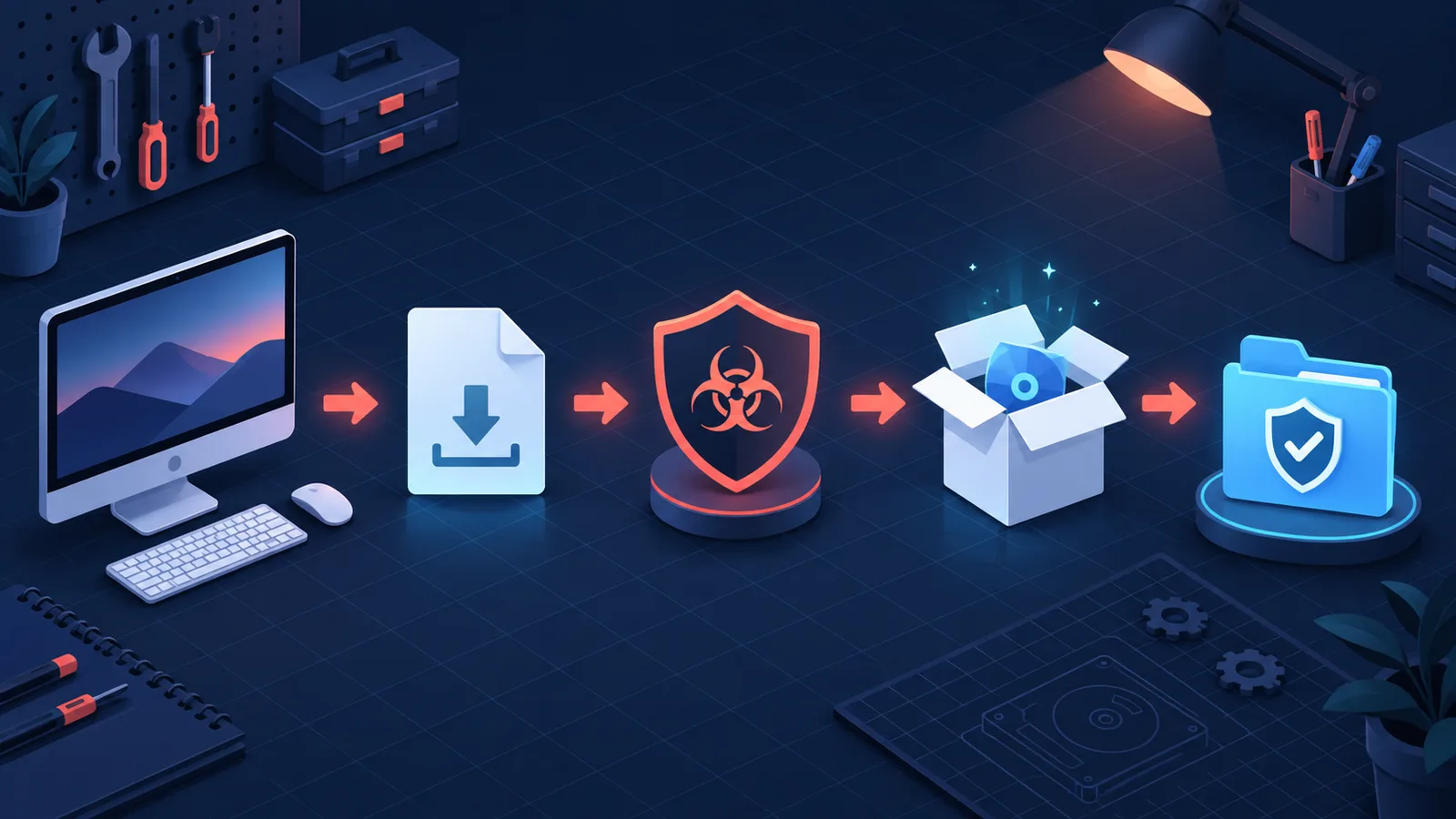
Original editorial launch-recovery flow. It is not a macOS warning screen or proof that reinstalling fixes every ReStory launch failure.
Still 0 KB? Record these details
Send a compact reproduction instead of changing macOS security or deleting saves. Include the macOS version, Apple chip or Intel model, Steam client version, ReStory build shown by Steam, purchase or key source when relevant, the displayed download size, and a screenshot of the empty installation. The developer asked for the operating-system version and machine specifications when the first checks did not work.
- macOS version
- Apple silicon chip or Intel Mac model
- Steam client version
- ReStory build or Build ID shown by Steam
- Purchase or key source, if relevant to the affected report
- Screenshot showing 0 KB and no installed files
Evidence and limits of the confirmed report
The developer first recommended verifying files, restarting Steam, and reinstalling. A later developer answer said the problem appeared connected to Steam keys purchased on another website for Mac, after which two players reported success and the original poster said the build version had updated for third-party buyers. That is strong evidence for this specific incident, not proof that all Mac 0 KB cases come from third-party keys.
Old Intel Mac status in 1.0.013r
The official notes say the game should work on old Intel Macs now. Update before following an older exit(173) workaround. If launch still fails, keep this page's safe evidence checklist, but treat the pre-1.0.013r status as history rather than the current universal answer.
Symptoms reported after 1.0.011r
Current Steam technical threads describe several launch messages in the same short window. Treat them as a report cluster, not proof that every Mac failure has one cause.
| Visible symptom | What it proves | What it does not prove |
|---|---|---|
| exit(173) / Not Available | Steam failed to complete the launch | That saves are damaged |
| Application is damaged | macOS rejected or could not validate the app | That deleting personal data will help |
| Get it from the App Store | A platform or package check interrupted launch | That ReStory is sold through the App Store |
| iCloud sign-in message | An account-related prompt appeared | That resetting iCloud is a confirmed fix |
Safe troubleshooting order
Start with reversible checks and stop when the result changes.
- Quit ReStory and Steam completely
- Restart macOS
- Open Steam and confirm patch 1.0.011r finished downloading
- Steam Library → ReStory → Properties → Installed Files → Verify integrity
- Launch once from Steam, not from an old Dock shortcut
- Record the exact message and macOS version
- Check the current Steam technical thread before deeper changes
Protect saves before deeper testing
A launch error occurs before normal play, so deleting save folders is not a sensible first step. Preserve local ReStory data and Steam Cloud state before changing files. Do not disable macOS security globally, run commands copied from an unrelated game's forum, or remove application signatures unless the developer or Steam Support publishes a ReStory-specific procedure.
What to include in a useful report
State whether the Mac uses Apple silicon or Intel, the macOS version, Steam client version, ReStory build, exact error text, and whether the game launched before 1.0.011r. Attach a screenshot and the time of the attempt. If Steam verification finds files, report the count and whether the next launch changes.
Current status
The issue is based on multiple current player reports in the ReStory technical forum (https://steamcommunity.com/app/3812600/discussions/1/). The official 1.0.011r notes do not list a Mac launch fix. This page will keep the short answer conservative until the developer confirms a cause, hotfix, or supported workaround.
Does reinstalling guarantee a fix?
No. Reinstallation can replace missing or corrupted game files, but it does not guarantee a solution for a packaging, entitlement, operating-system, or patch-specific problem. Verify files first and preserve saves.
Should I delete my ReStory saves?
No. There is no verified evidence that a pre-launch exit(173) error is caused by a game save. Back up data and wait for ReStory-specific support guidance.
Where should I check for a confirmed fix?
Check the official Steam announcements, the pinned ReStory bug-report thread, and any reply marked as a developer answer. Match the advice to 1.0.011r or a later build before using it.
Research links
These are the primary pages used to check the facts and current release context in this guide.
Official information, observable release behavior, and community reports are deliberately separated. A community report is not presented as a universal fix until it can be reproduced or supported by current patch notes.