
ReStory's official Steam page publishes minimum requirements for Windows and macOS. Confirm the platform column before using performance fixes; the Mac build requires Apple silicon, while the Windows listing specifies DirectX 11. These values come from the current Steam store listing. No recommended tier is published there, so higher settings and frame-rate targets should not be presented as guaranteed hardware tiers.
Official minimum requirements
These values come from the current Steam store listing. No recommended tier is published there, so higher settings and frame-rate targets should not be presented as guaranteed hardware tiers.
| Windows minimum | macOS minimum | |
|---|---|---|
| OS | Windows 10 x64 | macOS 14 or newer |
| CPU | 2-core / 4-thread CPU | Apple M1 |
| Memory | 4 GB RAM | 8 GB RAM |
| Graphics | GTX 750 Ti | Apple integrated GPU (M1) |
| API | DirectX 11 | Not separately listed |
| Storage | 1 GB available | 1 GB available |
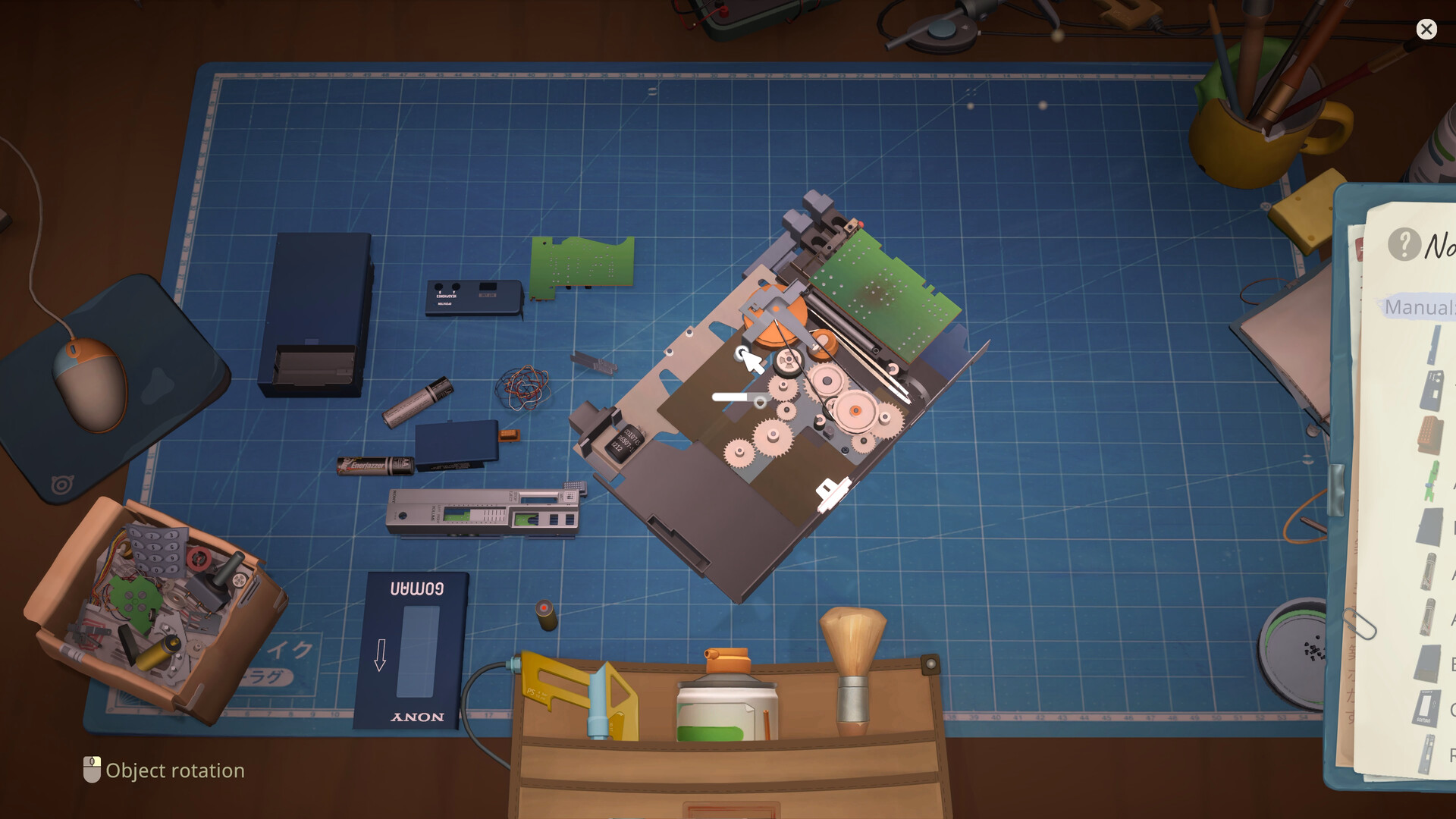
Keep removed parts visible and grouped by layer. Use the recorded order as a reference; if your Notebook shows something different, follow the game.
Mac compatibility boundary
The current store requirement says Apple M1 and notes that an Apple processor is required. An older patch note saying the game should work on old Macs (Intel) conflicts with the current store requirement; for a new purchase, follow the current store listing and ask Steam Support or the developer before assuming Intel support.
Before calling low FPS a bug
Compare the machine with the official minimum, update the OS and GPU driver, make sure a laptop uses the dedicated GPU, verify game files, and temporarily disable overlays. The developer's pinned troubleshooting post requests platform, steps, screenshots or video, error text, and the ReStory folder when a problem persists.
Storage and save files are separate
The 1 GB figure is installation storage, not a backup allowance. Keep free space beyond that minimum and copy saves before testing reinstalls or destructive workarounds. Use the Save File Location guide for current Windows, Mac, and Steam Deck paths.
Research links
These are the primary pages used to check the facts and current release context in this guide.
Official information, observable release behavior, and community reports are deliberately separated. A community report is not presented as a universal fix until it can be reproduced or supported by current patch notes.