The ReStory demo is no longer offered on the current Steam store page. A developer said it was removed because it no longer represented the completed game. Demo progress does not transfer to the full release, so full-game players need to start a new save.
Demo progress does not enter the full release
The no-transfer step is developer-confirmed.
- ◫DemoOld demo save
- ×No transferIncompatible with full release
- ▶Start newCreate a retail save
- ▣Back upUse Save Location
Is the ReStory demo still available?
No Demo download appears on the current official Steam store page. A developer said the old demo was removed because it did not reflect the completed game. This does not promise whether a revised demo will return.
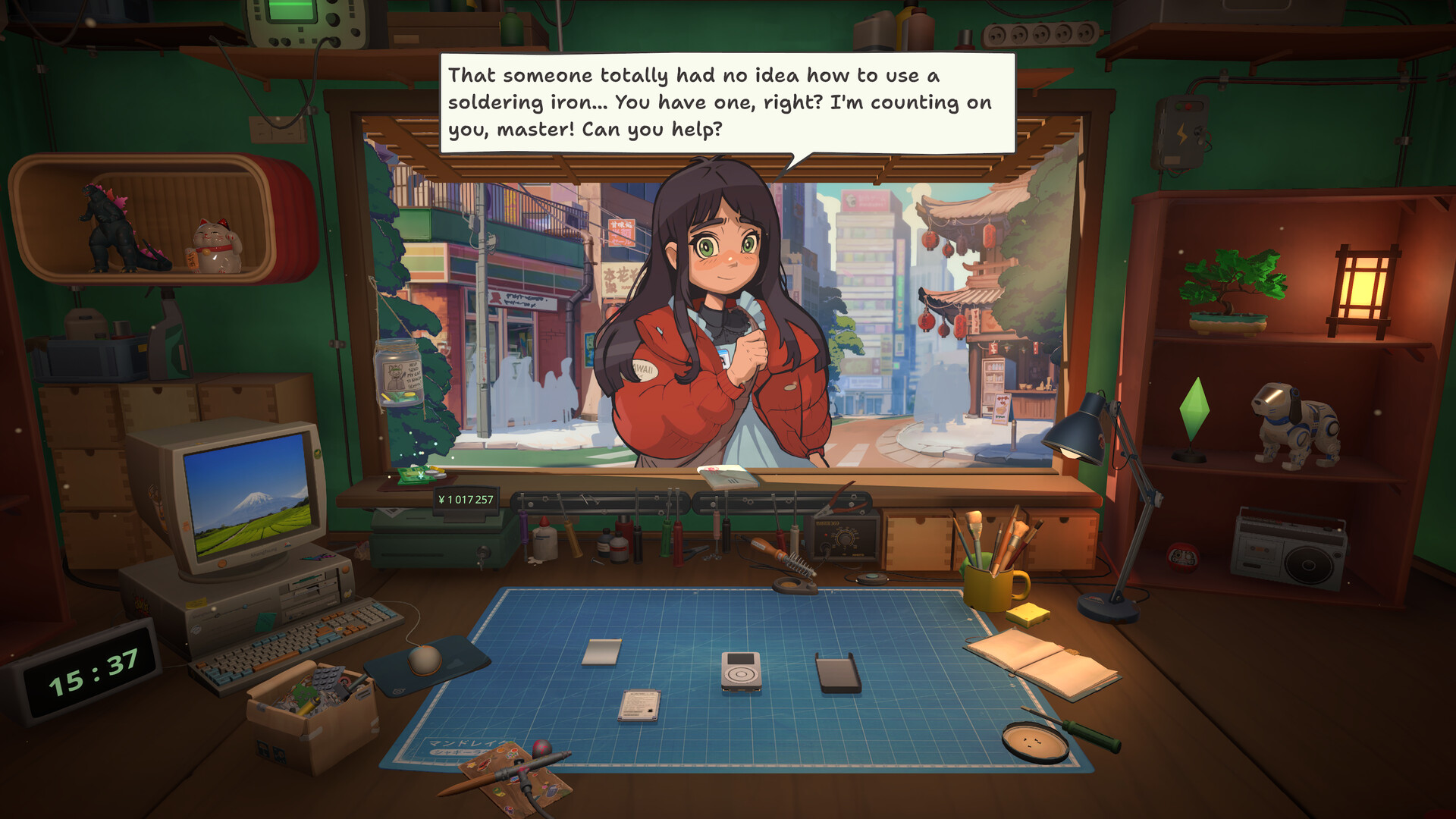
Official store media shows the published game context, not demo availability. The current Steam listing and developer answers determine the status above.
Can a demo save transfer to the full game?
No. The developer answer says there is no save transfer because the retail game received substantial changes and improvements, including changes under the hood.
Do I need to restart in the full release?
Yes. Start a new game in the retail build instead of copying or renaming demo files. Keep the old folder only as an archive, then back up the first full-game save.
Demo and full release: verified differences only
Official launch material says the full release expands the demo with additional gadgets, mechanics and upgradable tools. A complete feature-by-feature boundary is not published, so this guide does not invent one.
| Question | Verified answer | Evidence |
|---|---|---|
| Current download | Demo not offered | Official Steam listing |
| Save transfer | No | Developer answer |
| Exact difference list | Not fully published | Do not infer |
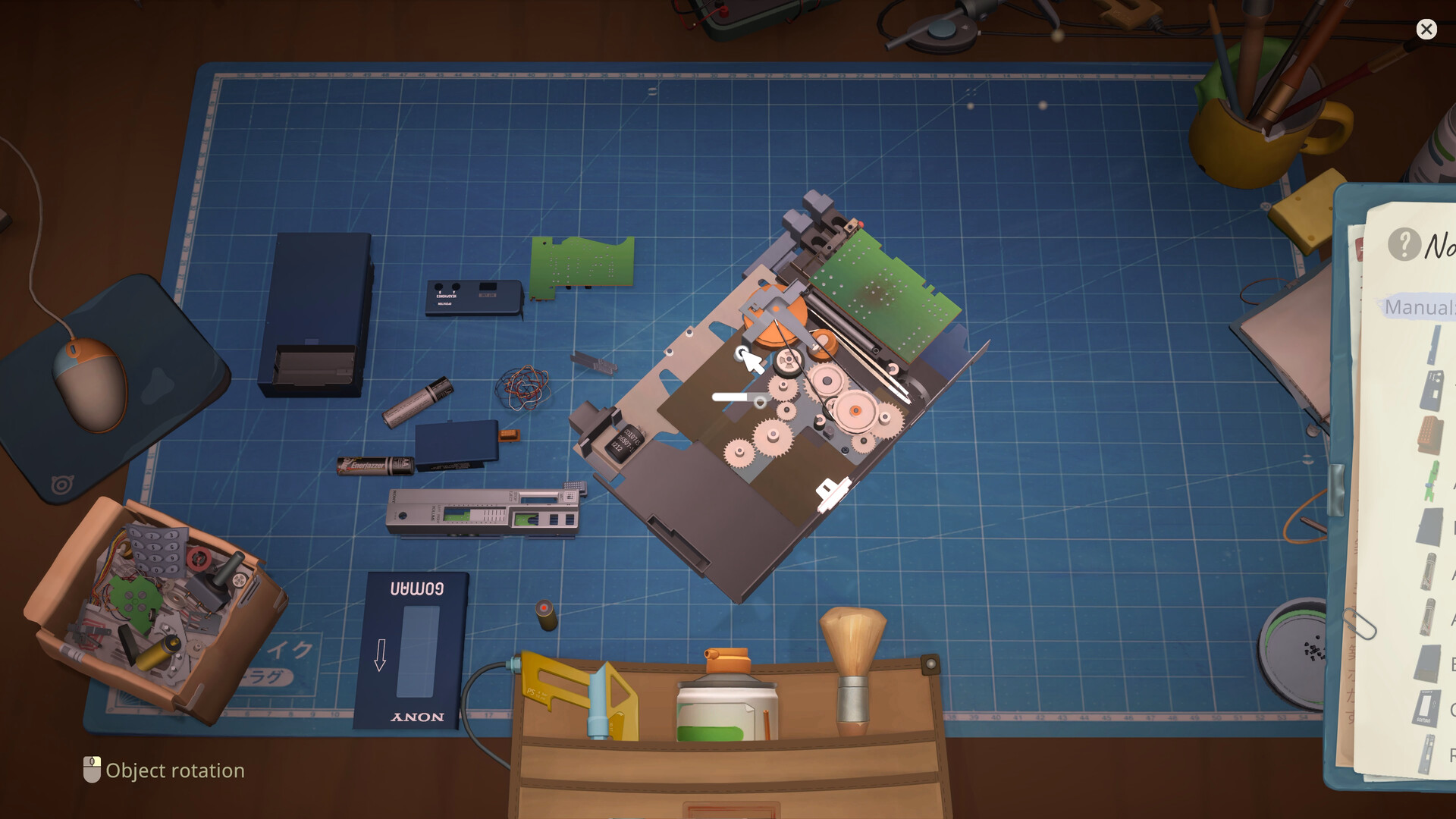
Keep removed parts visible and grouped by layer. Use the recorded order as a reference; if your Notebook shows something different, follow the game.
Can I force an old demo save into the full game?
No reliable or developer-supported migration method is documented. Do not replace retail SaveData or BackupSaveData with demo files; incompatible data could damage or hide the destination save.
What to do next
Install the current retail build, start a new game and create a named backup after the first successful save. Use the Beginner Guide for the first shift and Save Location for platform paths.
Research links
These are the primary pages used to check the facts and current release context in this guide.
Official information, observable release behavior, and community reports are deliberately separated. A community report is not presented as a universal fix until it can be reproduced or supported by current patch notes.